Music From Every Angle
30 days free then $10.99/mo. Cancel anytime.
Try for Free-
Music discovery - now streaming
110+ million tracks ad-free on all of your devices,
Lossless and exclusive playlists.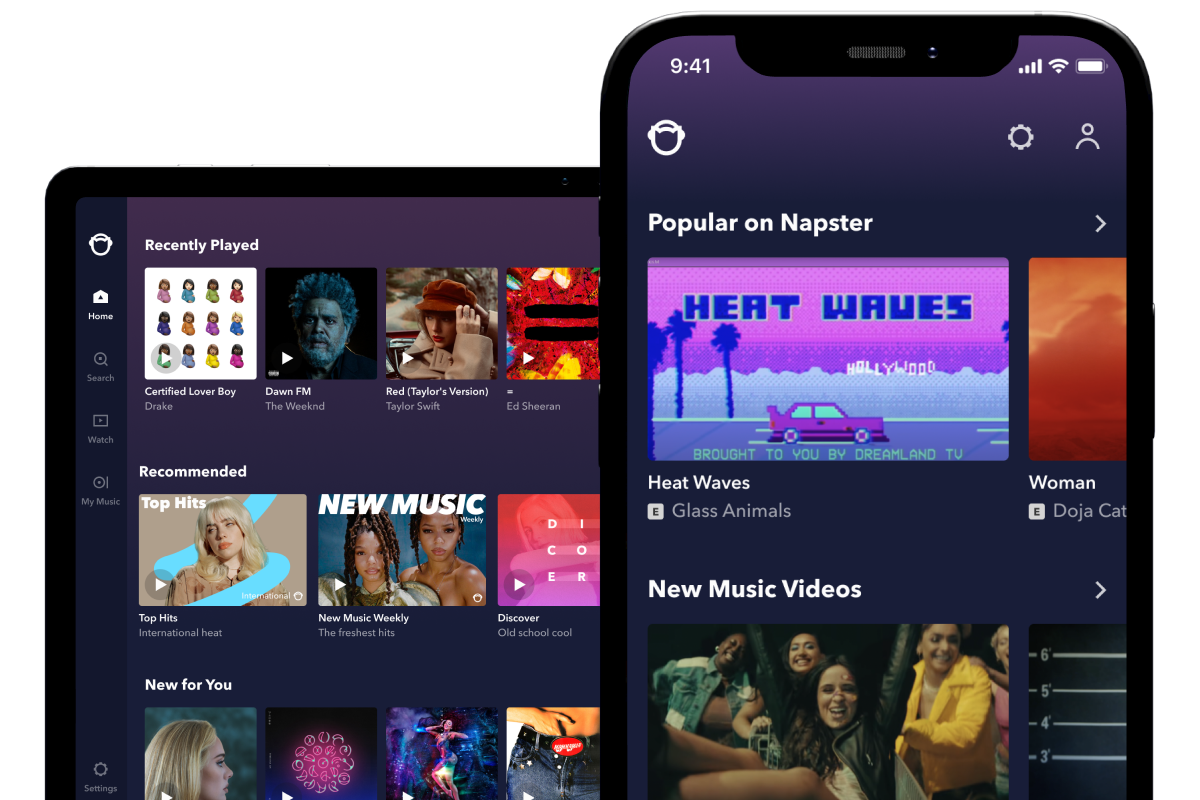
-
Get rewarded for listening
At Napster we believe in rewarding fandom. Sign-up and start listening to your favourite artists for a chance to win exclusive rewards.

-
More than sound
Official music videos from all of your favorite artists
- no ads, all of the access.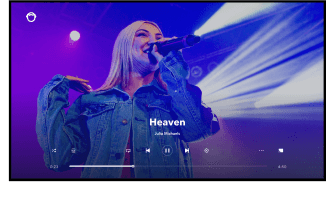
-
Transfer your music library
Bring all your music with you! Sign up for free and transfer your music to Napster today from another streaming service.
-


Start your free trial
Discover music from every angle for 30 days - free. Cancel anytime.
Try for Free30 days free then $10.99/mo.

30 days free then $10.99/mo.